Your first conversation with Bobi
Bobi understands plain language — you write to it the way you would to a colleague in freight forwarding. There are no commands or syntax to learn. Ask a question or hand over a task, and Bobi will ask for any missing details and come back with a result. A good first question is “What can you do? Show me your capabilities” — Bobi lists what it can help with on your account.
Send your first message#
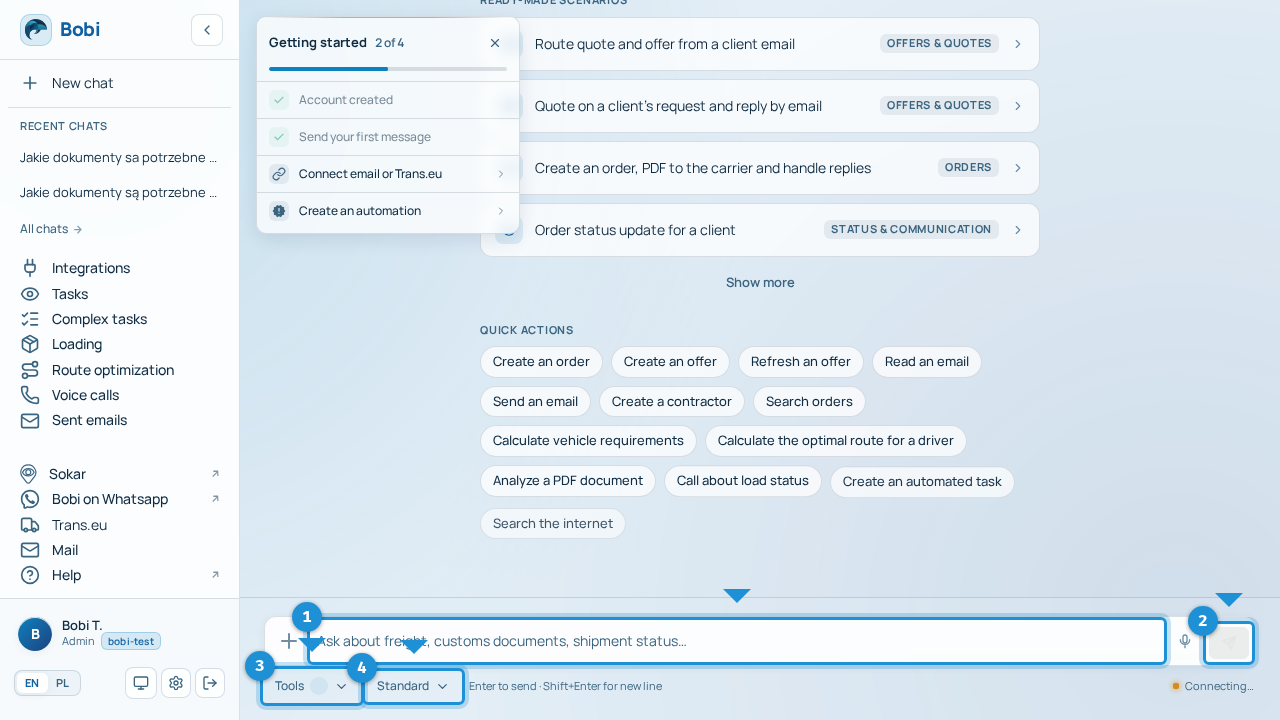
- Type your questionWrite in the input, e.g. “What can you do? Show me your capabilities”. Enter sends the message, Shift+Enter adds a new line. A single message holds up to 4000 characters.
- Watch the responseBobi streams the answer into one growing bubble. While it works you see a tool indicator, and once the answer is ready a thumbs rating appears below it.
What you can ask#
The examples below work on real data from your integrations. Click any of them to see how Bobi responds.
Show my current loads on the road
Show details of load 0015/05/2026
Search by order number (e.g. 0015/05/2026), not by internal identifier.
Find the company Trans Sp. z o.o. and give me a contact
Check whether VAT ID 1234567890 is an active VAT payer
VAT verification uses the GUS/VIES registries.
What's new in the mail from firma.pl this week?Bobi reviews the mailbox you connected under Integrations.
Call the driver and ask where they are with load 0015/05/2026Before calling, Bobi shows what it wants to say and waits for your “confirm”.
Set me a daily summary at 8 a.m.That's how you set up a matter Bobi watches in the background — more in the Tasks section.
Bobi asks for confirmation#
What Bobi won't do in chat#
Tools, model and feedback#
- Tools — the “Tools” button picks the tool categories for a given conversation. The core (loads, companies, memory) is always on; the switch becomes active only after you send the first message.
- Model — the “Standard” / “Pro mode” switch. Pro mode gives stronger answers and may depend on your plan.
- Rating the response — under each answer you can rate it thumbs up or down; thumbs down reveals a comment field. Only the Onitsoft team sees the comment, and it's used to improve Bobi.
- New chat — starts a fresh context. Bobi doesn't remember the previous thread, but your preferences and remembered facts stay.
Dictating by voice#
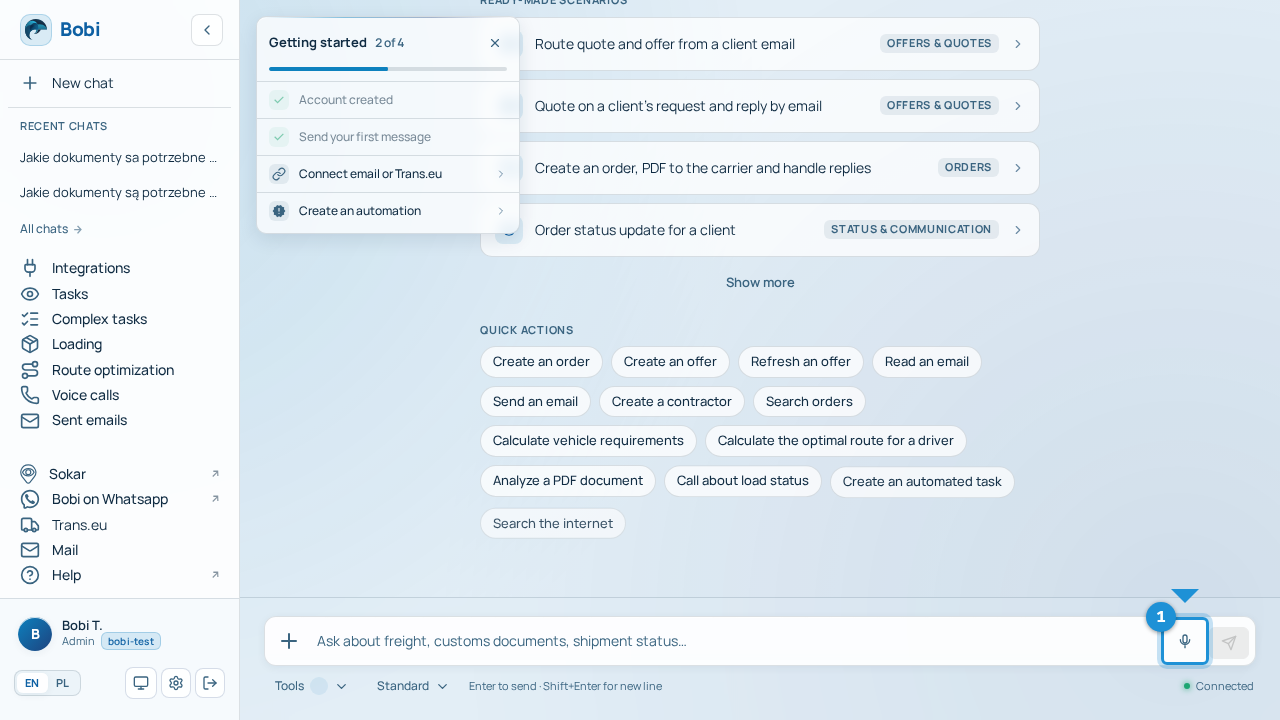
Instead of typing, you can dictate your message by voice. Next to the text input there is a microphone button (a microphone icon). Click it and Bobi starts recording — the button signals that recording is in progress. Click again to finish; the recording is transcribed to text and sent as a message.