
Onboarding wizard
Right after you create an account — and also after joining a team with a code (Bobi takes you there automatically once you join) — you land in the onboarding wizard. It's a handful of simple steps that set up your workspace; the most important one is connecting the systems Bobi will work with.
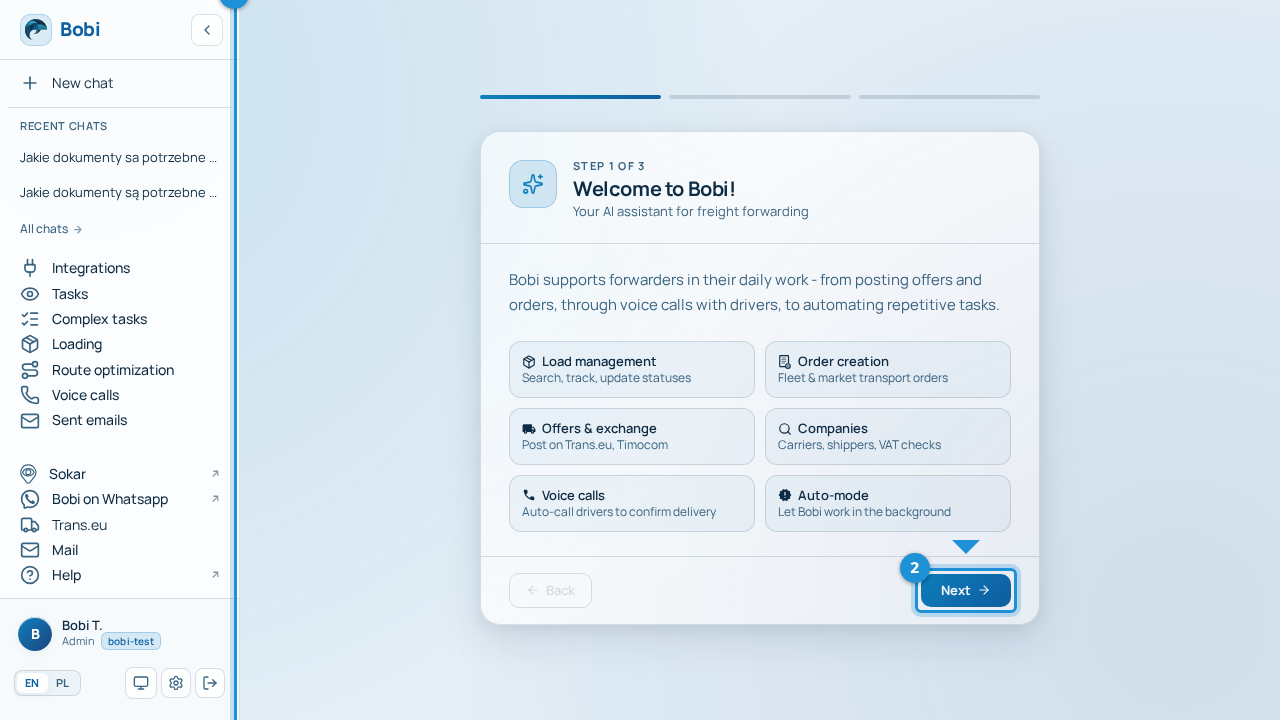
Wizard steps#
- Move through the wizardThe wizard guides you step by step. “Next” moves you to the following step, “Back” returns to the previous one, and “Finish” closes the wizard on the last step.
- See where you areA “step X of Y” indicator at the top always shows how many steps are left.
- Connect your systemsThe wizard's key step — you connect the sources Bobi uses (email, Sokar, Trans.eu). Details below.
Connect your systems#
In the “Connect your systems” step the wizard suggests the most common sources: email, Sokar and Trans.eu. Connect the ones you use so that Bobi immediately has access to the data it works on. You'll find the full list of integrations and how to connect each source in the Integrations section.