
Sign-up, login and joining a team
We'll take you from zero to a signed-in account: sign up or accept an invite, confirm your email, log in for the first time, reset your password, and finally create or join a team. Every step links straight to the exact place in the app.
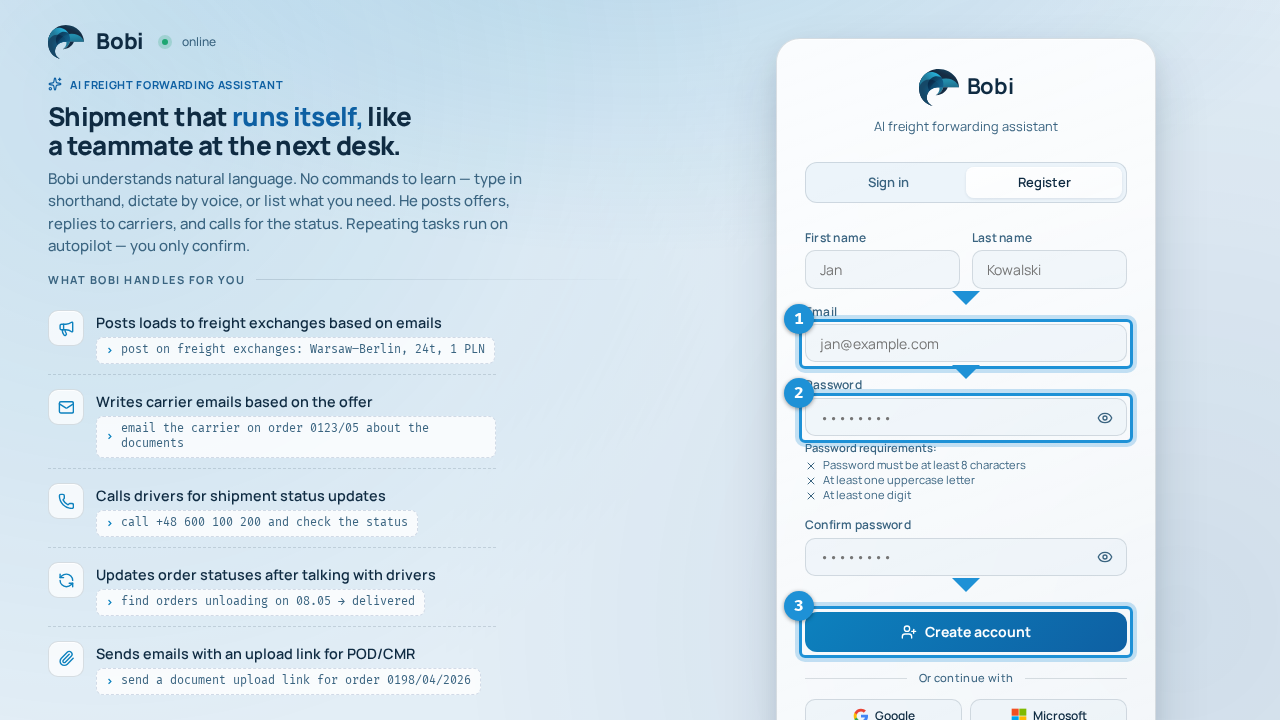
Create an account#
- Fill in your detailsEnter your first name, last name, email and a password.Password requirementsYour password must be at least 8 characters long and contain an uppercase letter and a digit.
- Confirm your emailOpen the message we sent and click the verification link.The account works after verificationSigning up does not log you in right away — the account only becomes active once you confirm your email. If the message didn't arrive, resend it from the “check your email” screen.
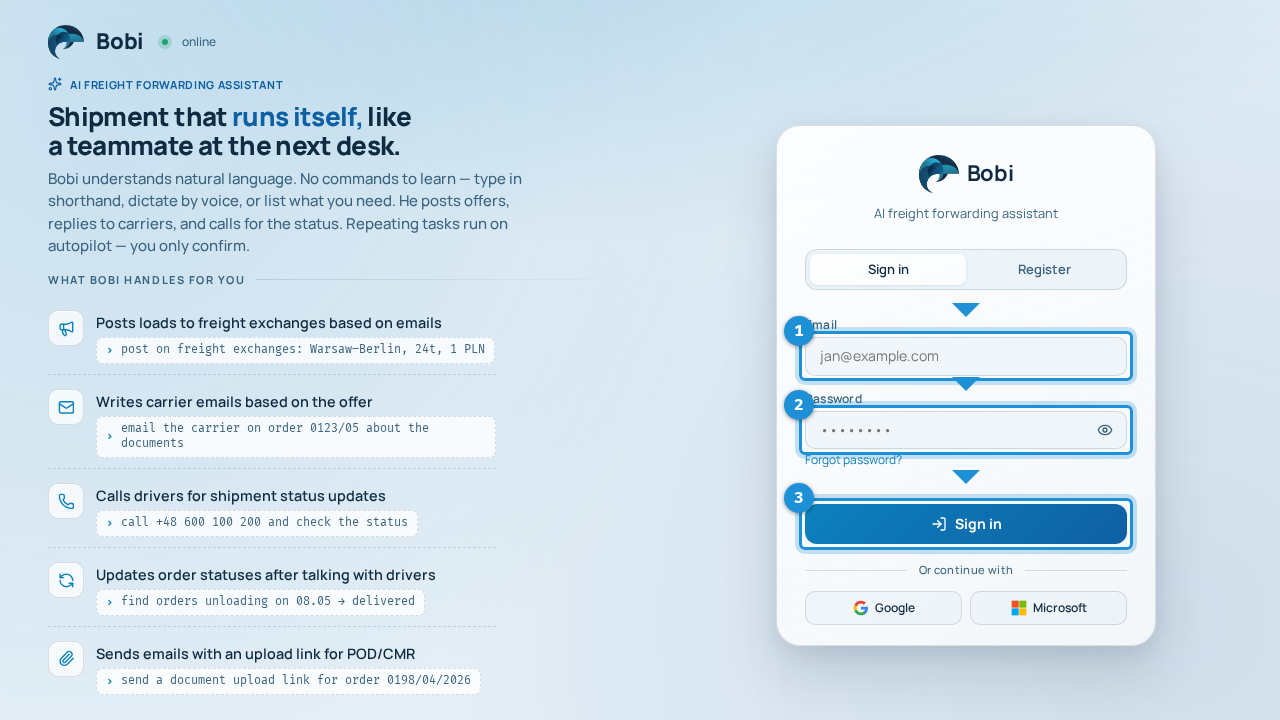
Logging in#
- Enter your email and passwordType your email and password and submit. Use the icon next to the password field to reveal what you're typing.
- Or sign in with a company accountInstead of a password you can sign in with Google or Microsoft — if your company uses them.
Forgot your password?#
Open the and enter your email. For security you'll see a neutral message (“if an account exists, we've sent instructions”) whether or not the address is in our system. If the account exists, a link to set a new password will arrive by email.
Team: create or join#
On your first login you'll accept the terms, then choose whether to create a new team or join an existing one.
- Create a teamAfter creating a team you'll see a join code and a ready-made invite link. Share it with the people who should join.
After you create a team or join one with a code, Bobi takes you to the onboarding wizard — it walks you through your first setup and connecting your systems.
Already have an account, joining another team#
If you're already signed in and want to join another team, use the invite link you received, which leads to the .